Everything, in its place.
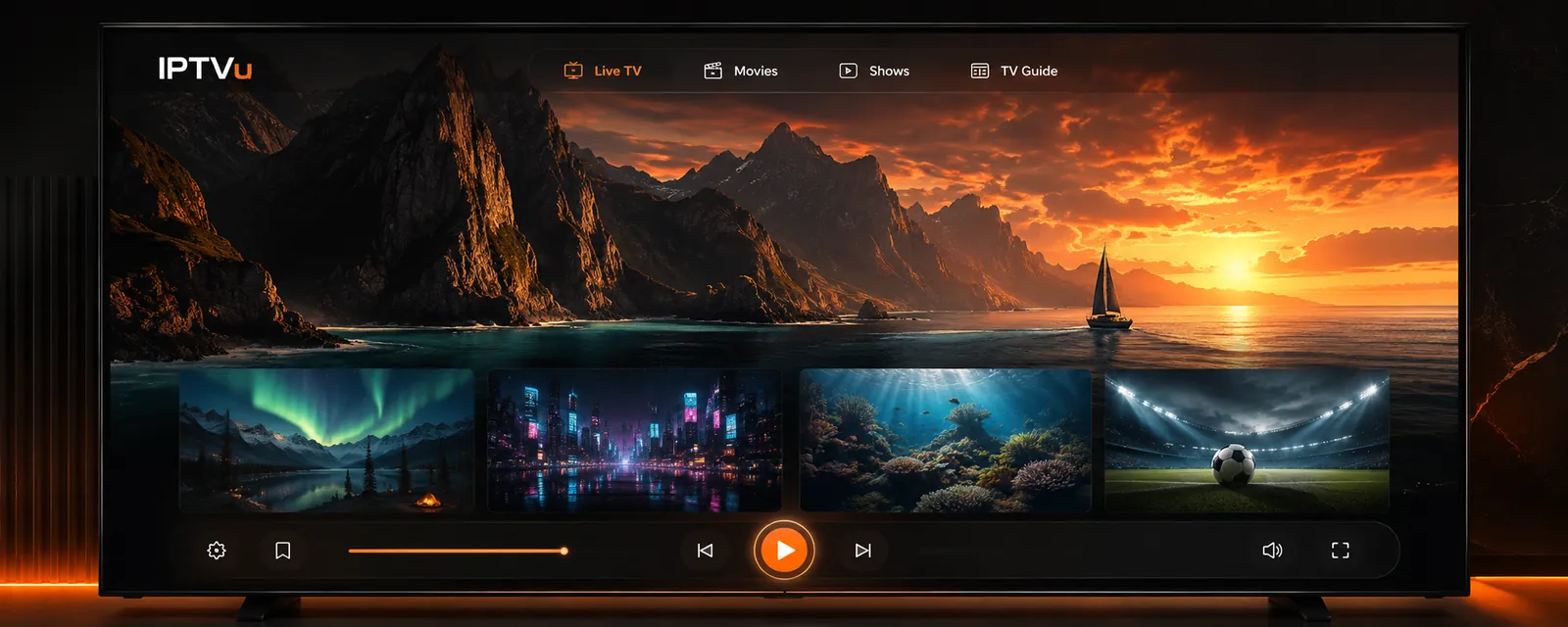
Browse live channels, movies, shows and your TV guide in one thoughtfully organised player.

IPTV & M3U PLAYER · YOUR MEDIA, YOUR LIBRARY
TVu on Apple and IPTVu on Android organize M3U playlists and other media sources you are authorized to use. They are players; they do not provide channels, provider accounts, subscriptions, or media rights.
Availability depends on your store region and device.
ORIGINAL PROMOTIONAL ARTWORK
This illustrative IPTVu concept shows one early vision for organizing media. It is original promotional art, not a screenshot of the current released apps; final designs vary by platform.
FREE DEMOS & APP ACCESS
Try the built-in demo videos without a provider account. TVu and IPTVu feature access differs by platform and edition. Check the current app listing and in-app purchase screen for the exact source limits, Premium features, price and trial eligibility before subscribing.
THOUGHTFUL BY DESIGN
Browse the features supported by your device and source. Playback formats and external output depend on the device and media.
Browse live channels, movies, shows and your TV guide in one thoughtfully organised player.
Connect M3U playlists or an Xtream-compatible source. Keep your collections named and easy to find.
Save favourites, hide channels and keep a personal shortlist of what you want to watch.
Choose available audio and subtitle tracks without leaving your video. Options depend on your stream.
Full-screen viewing and controls that appear when you need them, then fade into the background.
Choose the media source that works for you and manage saved configurations in one place. Some connection and integration options depend on your edition.
GET THE PLAYER
Find the current TVu listing for Apple devices or IPTVu for Android. Store regions and device compatibility affect availability.
iPhone, iPad, Mac, Apple TV and Apple Vision Pro. View compatibility and availability in the App Store.
View TVu on the Apple App Store ↗View the current Android listing and supported device information on Google Play.
View IPTVu on Google Play ↗ONE TVu PRODUCT
TVu has iPhone, iPad, Apple TV, Apple Vision Pro and Mac experiences. Check the App Store for availability in your country or region and on your device.
Touch-friendly live TV, library and playback.
Browse and watch with the Siri Remote.
Enjoy TVu in a spatial window.
Use TVu on the desktop.
WATCH & LEARN
Start with the free demo videos and read the iPhone walkthrough. More platform guides are in preparation.
BEFORE YOU PRESS PLAY
No. TVu is a media player and organizer. Bring a source you are authorized to use; TVu does not sell channels, movies, playlists, provider accounts or media rights.
Try the built-in demo videos without a provider account. Source limits and additional features differ by platform and edition; check the current store listing and in-app purchase screen for the terms that apply to your device.
No. Available sources, playback features and purchase options can vary by platform and app version. Check the official listing for your device and the app’s current Settings for details.
Open TVu Settings, choose the subscription option and use Restore Purchases. Review the actual store purchase screen for current price and trial eligibility before authorizing a purchase.
Use the in-app Quick Start Guide or email info@iptvu.org. Never send your provider password in a public message.
Make time for
what you love.